 kengdevLet’s talk
Updated on 2026-09-10
Seven ways to run it, and which one is yours
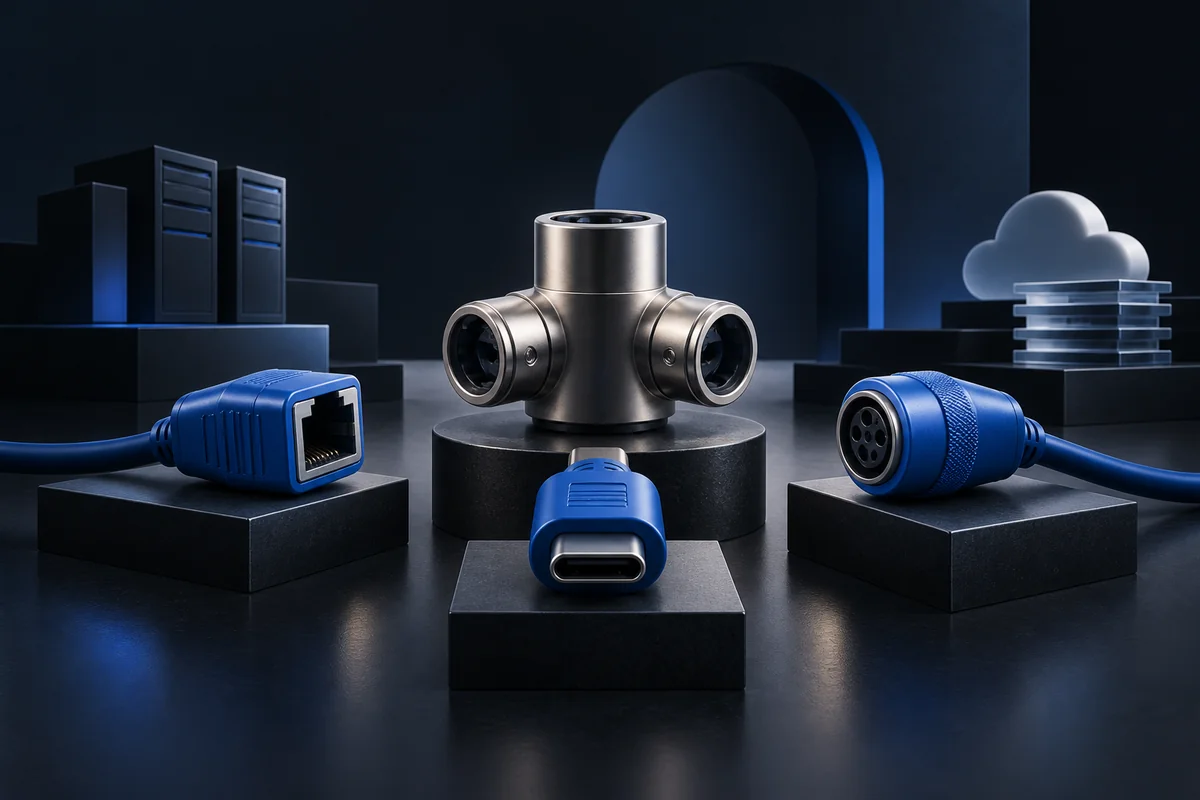
Hermes Agent does not deploy one way. The repository advertises seven terminal backends: local, Docker, SSH, Singularity, Modal, Daytona and Vercel Sandbox. That choice weighs more than the model choice, because it decides where the data lives, who pays while the agent sleeps, and what happens the day it loops.
| Backend | What for | What it implies |
|---|---|---|
| local | trying it, developing a skill | runs with your rights, stops when the machine stops |
| Docker | isolating the agent on a server of yours | the isolation local lacks, provided you configure it |
| SSH | driving a remote machine already in place | no clean isolation, inherits the account used |
| Singularity | shared compute environments | mostly relevant in academic or HPC contexts |
| Modal, Daytona | intermittent use | serverless persistence, the environment hibernates between sessions |
| Vercel Sandbox | short, disposable runs | good for triggered work, bad for long memory |
Cost depends on the provider, runtime duration and model. Compare an always-on VPS with an environment that stops between sessions using model calls, storage and operations as well as the advertised monthly price.
For a team the question stops being the server price and becomes isolation. An agent that writes into your business tools and triggers itself deserves its own container, its own secrets, and nothing else around it.
What the install really puts on the machine
Installation is one line, on Linux, macOS, WSL2 and Termux:
curl -fsSL https://hermes-agent.nousresearch.com/install.sh | bash
Native Windows is supported without WSL, with the PowerShell line iex (irm https://hermes-agent.nousresearch.com/install.ps1). The CLI, the gateway, the terminal UI and the tools all work natively.
What that command installs is worth knowing before running it on a work machine. The installer lays down uv, Python 3.11, Node.js, ripgrep and ffmpeg. On Windows it adds a portable Git Bash, a MinGit of about 45 MB unpacked into %LOCALAPPDATA%\hermes\git, with no admin rights and isolated from any existing Git install. If Git is already there, the installer detects and uses it.
Two documented details that otherwise cost time. On Windows, antivirus software flags uv.exe as malware, and the project recommends whitelisting the whole folder rather than the file. On Android through Termux, the install uses the .[termux] extra rather than .[all], the latter pulling incompatible voice dependencies.
After that everything runs through a handful of commands. hermes opens the interface, hermes model picks the provider, hermes tools decides which tools are on, hermes gateway starts the messaging gateway, hermes doctor diagnoses, hermes update updates.
The gateway, where it becomes a service
As long as the agent runs in your terminal, it only commits you. The shift happens at the gateway, which exposes it on Telegram, Discord, Slack, WhatsApp, Signal and email. Two commands, hermes gateway setup then hermes gateway start, and anyone in the channel can talk to it.
That is the moment three questions stop being theoretical.
- Who can talk to it? Define authorized users and channels.
- What can it write? Enabled tools define available actions. Also limit operating-system rights, supplied credentials and permissions in connected services.
- Who can see responses? Check channel visibility before returning business data.
On the model provider the project stays open: Nous Portal, OpenRouter, OpenAI or your own endpoint, switched with hermes model and no code change. Nous Portal bundles 300+ models and a tool gateway, web search, image generation, text to speech and a cloud browser, under one subscription. The hermes setup --portal command wires it through OAuth, and the gateway stays enableable per backend rather than all at once.
The four things that break
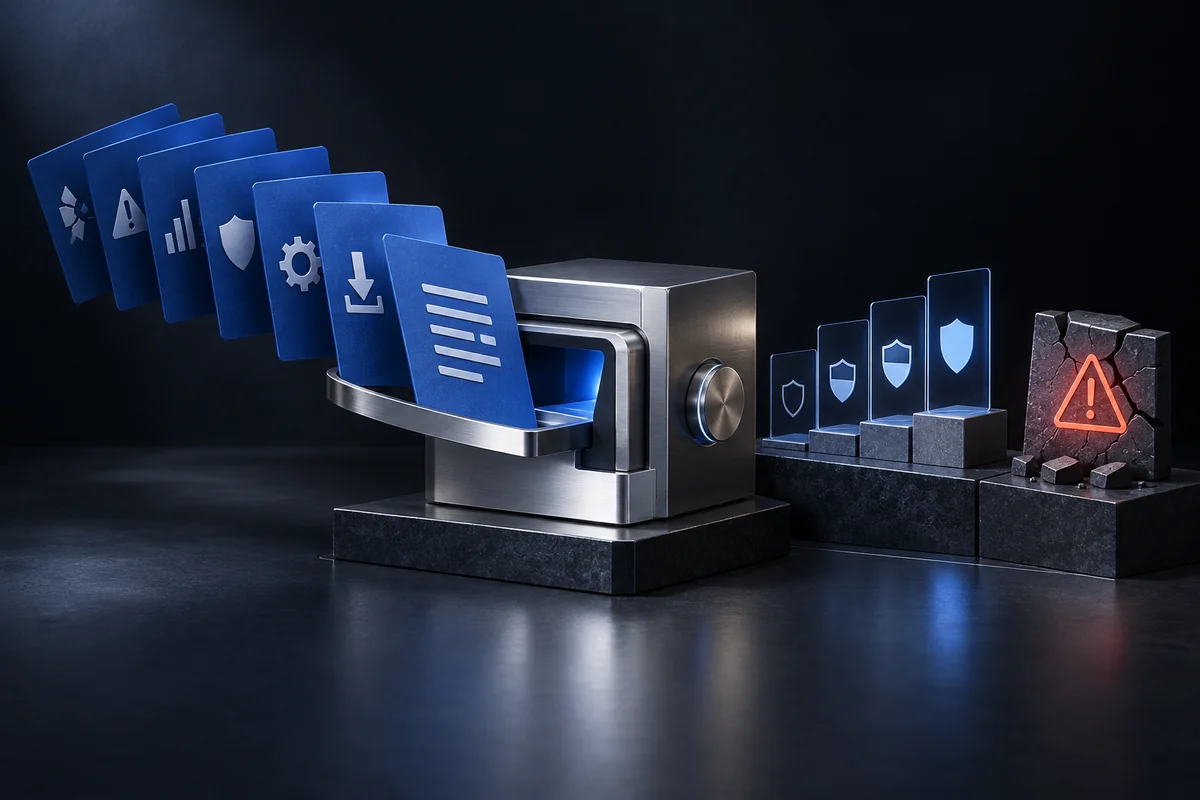
These are not hypotheses. They are the four points that come back on every deployment.
The model bill. The agent keeps searchable memory and spawns subagents, so it re-reads a lot of context. The VPS will not move, the token bill will. A spending cap at the provider takes five minutes and avoids the end-of-month discovery.
The scheduler. A badly scoped recurring task runs at night, at weekends and through the holidays with nobody watching. It is the top source of unexpected spend and the easiest to avoid.
Updates. More than twenty thousand commits on the main branch and changes every week. hermes update exists, but on a service exposed to a team, updating without reading what changed is redeploying blind. Someone has to own that.
Secrets. The agent holds the keys to your business tools. On local or SSH it holds them with your own rights. That is the strongest argument for a dedicated container, and the reason the runtime choice is not a comfort detail.
None of those four is about installation. They are about operations, and that is the only part that genuinely takes time.
Frequently asked questions
How do you install Hermes Agent?
One command on Linux, macOS, WSL2 and Termux: curl -fsSL https://hermes-agent.nousresearch.com/install.sh | bash. On native Windows the equivalent PowerShell line installs everything, without WSL. The installer lays down uv, Python 3.11, Node.js, ripgrep and ffmpeg.
Should you run it in Docker?
To try it, no, local mode is enough. As soon as the agent holds the keys to your business tools and triggers itself, yes: the container is what stops it acting with your rights across the whole machine. Docker is one of the seven backends the project offers.
What server do you need?
The project states a $5 VPS a month is enough, without publishing a minimum CPU or memory requirement. For intermittent use, Modal or Daytona cost less since the environment hibernates between sessions.
Antivirus blocks the install on Windows
The project documents it: Windows Defender and other antivirus software flag uv.exe as malware. The recommendation is to whitelist the whole install folder rather than the single file, because the next update will trigger the alert again.
Do you need a Nous Portal subscription?
No. The project accepts OpenRouter, OpenAI or your own endpoint, switched with hermes model. Nous Portal saves collecting five separate keys for the model, web search, images, text to speech and the cloud browser, and it enables per backend rather than all at once.
What needs watching once it is live?
The token bill, the recurring task scheduler, updates on a repository that changes every week, and where the secrets live. Those four are not about installation but about operations, and that is where the time goes.
Sources and references
- Hermes Agent, READMENous Research
The install commands, the list of seven backends, the installer contents and the Windows and Termux warnings, checked on 3 August 2026.
- Hermes Agent documentationNous Research
Installation, configuration, messaging gateway and security guides. Worth reopening before any update, as the project changes weekly.